Funding A Test Loan In LPX
Go to LPX Staging (Very important to know you are in staging, you can see it in the URL)
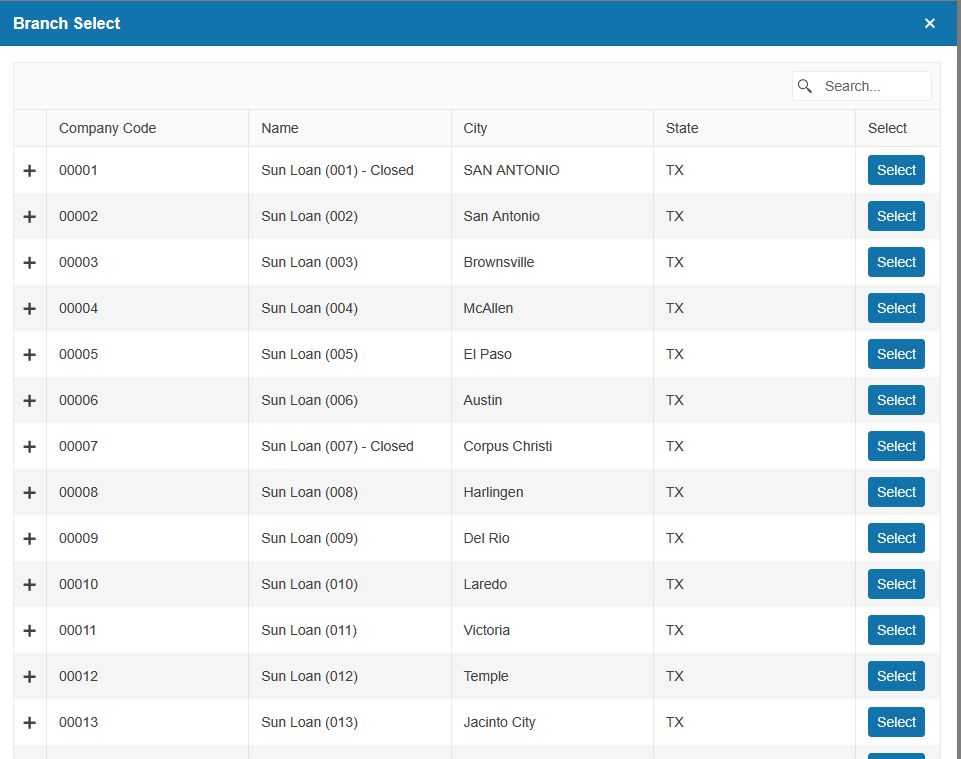
Choose the branch that you will need to have the test customer in
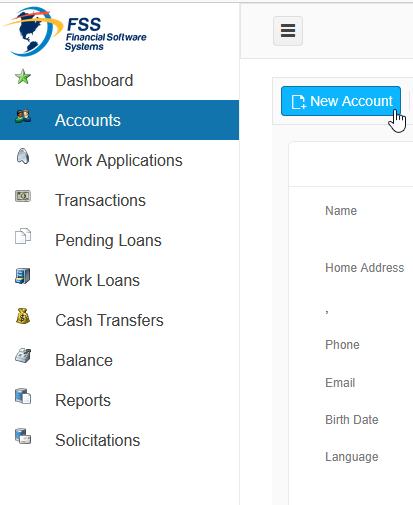
Make sure you are in the Accounts screen and click New Account
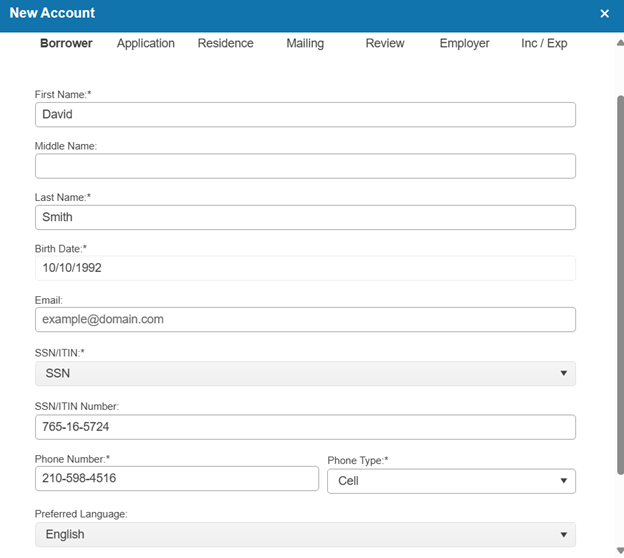
Fill out the required information below and click Next
Fill out the required information and click Next
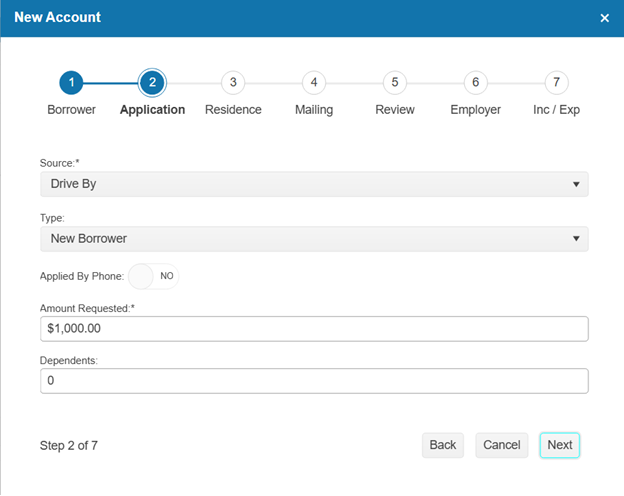
Fill out the required information and click Next
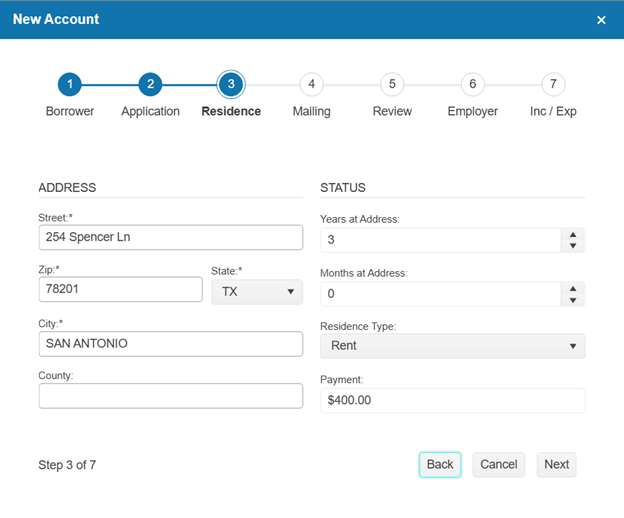
Check Mailing same as Physical and hit Next
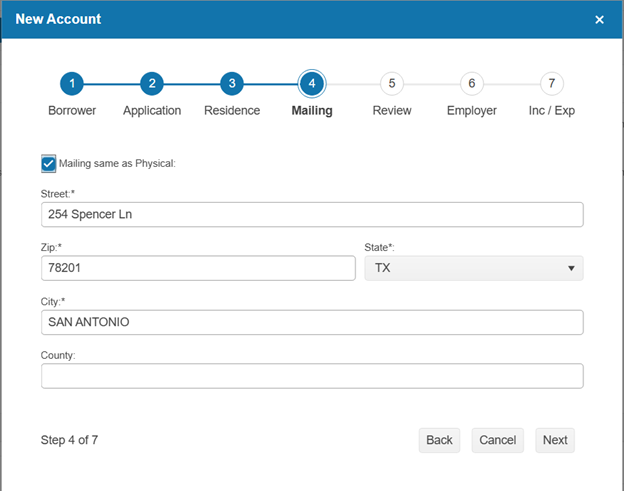
Review and click Save
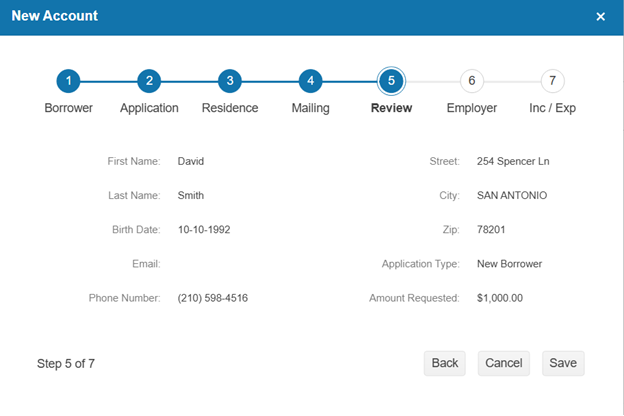
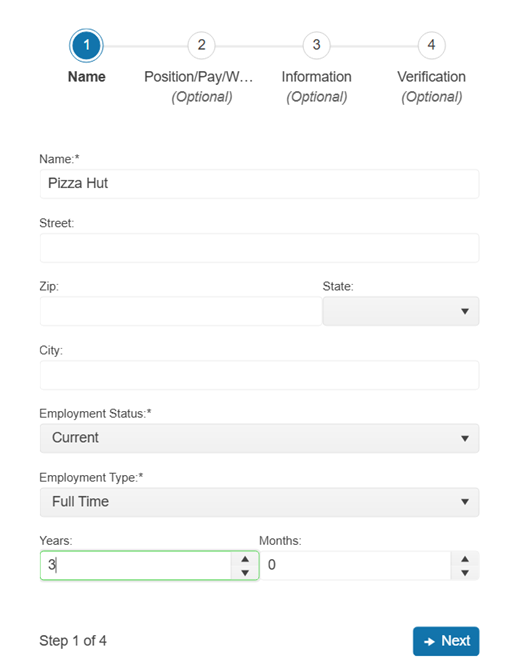
Fill out the required information and click Next
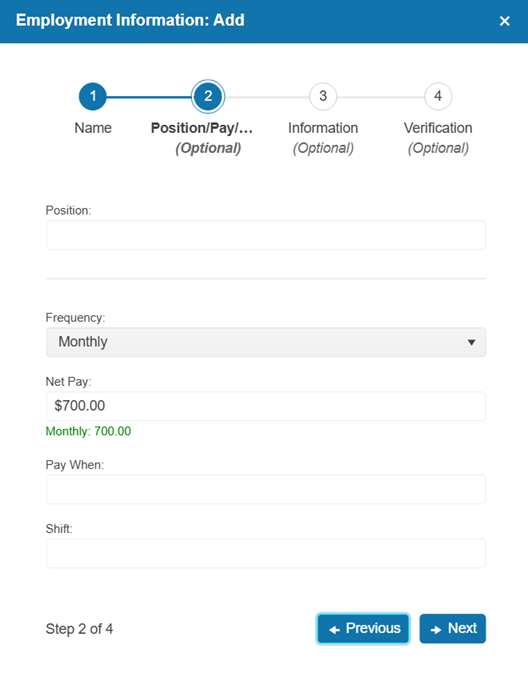
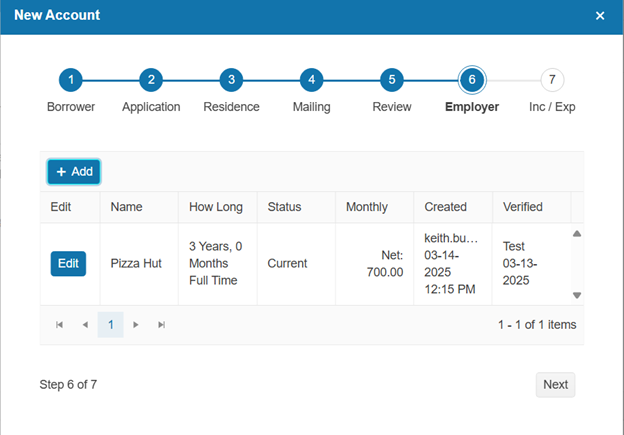
Fill out the Net Pay and click Next
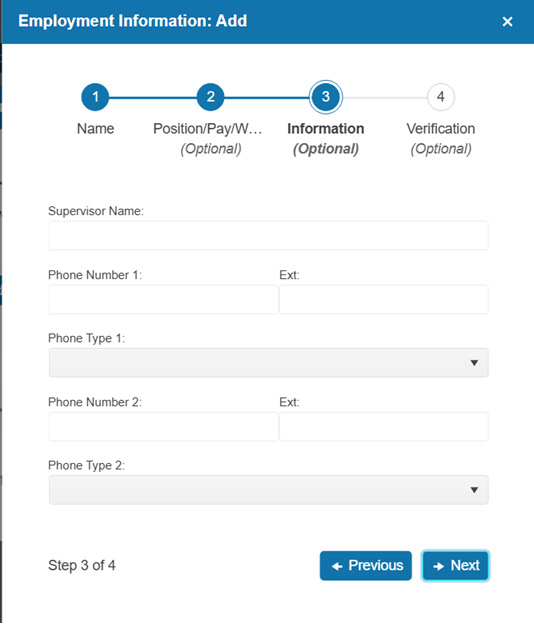
This page can be left blank and click Next
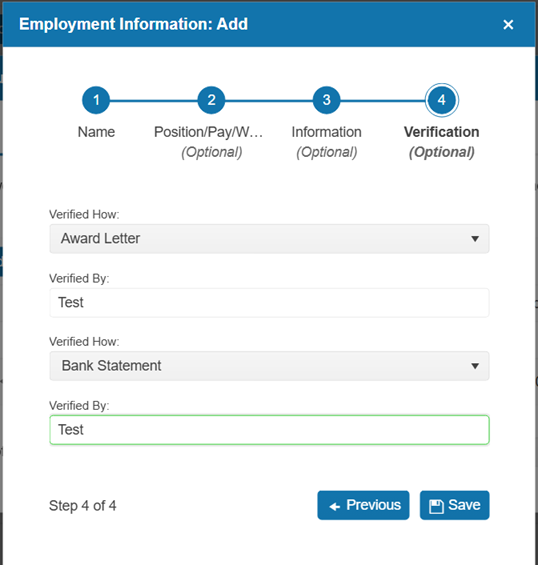
Fill out the Verifications and click Save
Hit Next
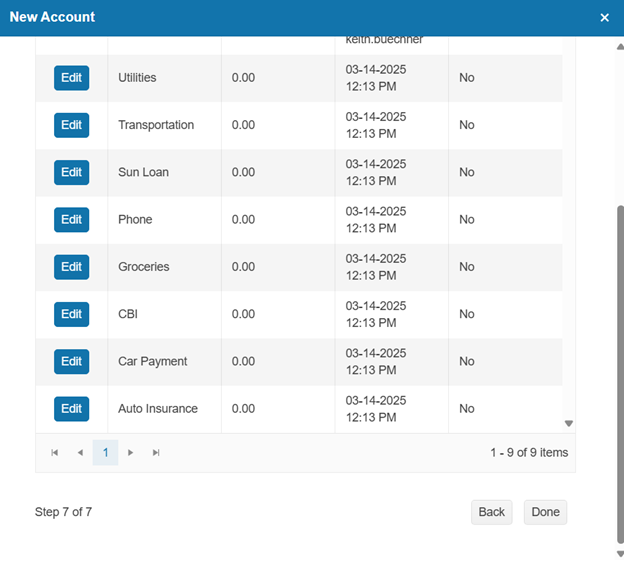
You can leave Expenses as is and click Done
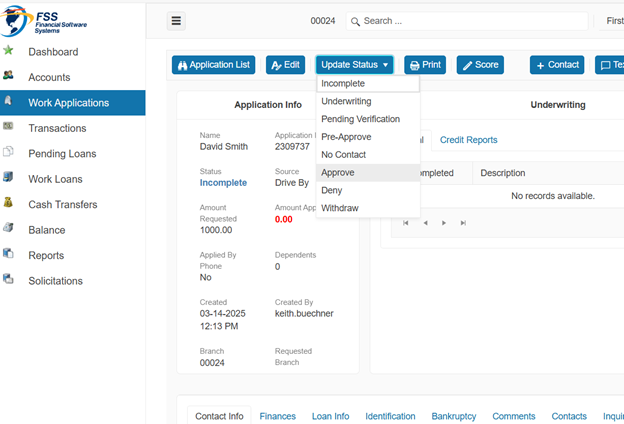
Move to the Work Application’s screen and Approve the application
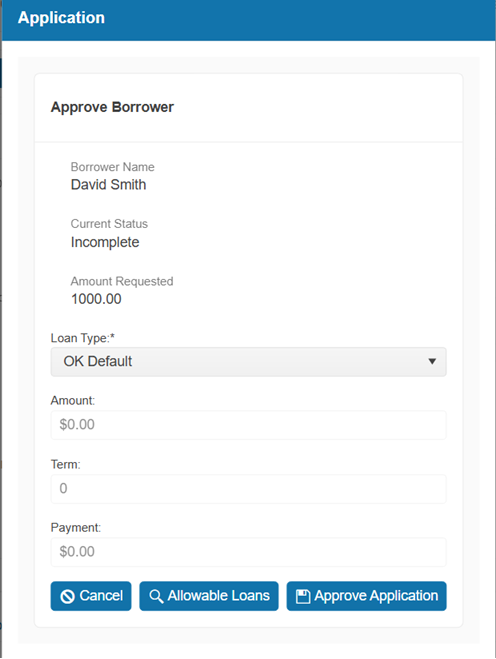
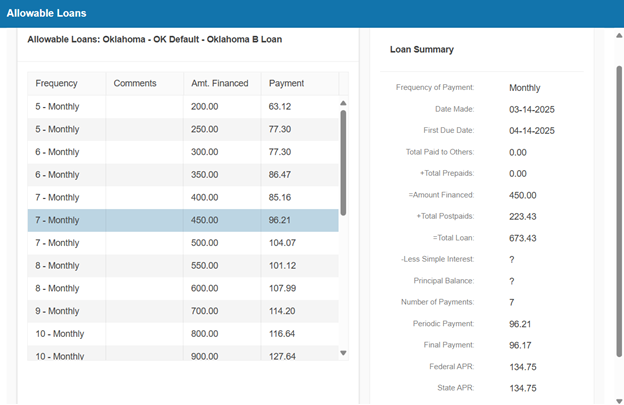
Click Allowable Loans
Choose a term and click Next
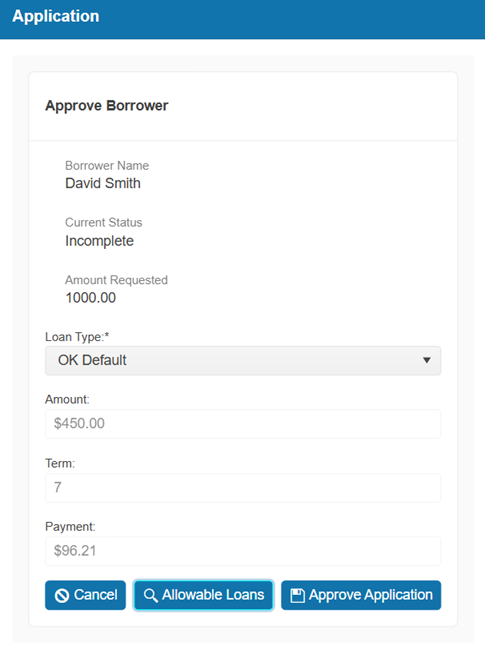
Click Approve Application
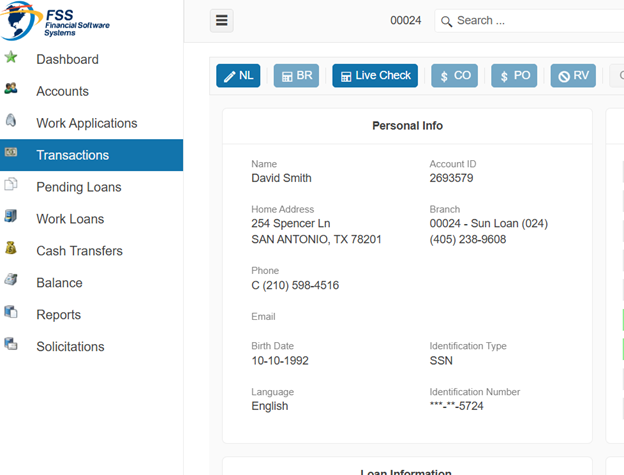
Move to Transactions Screen and click NL
Click Next
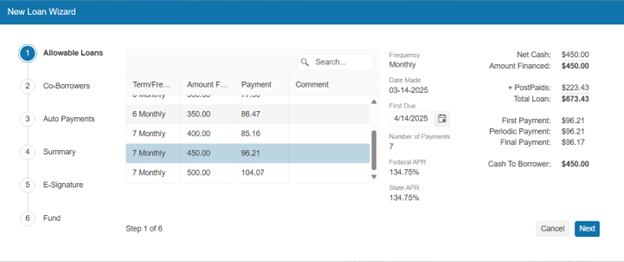
Click Next
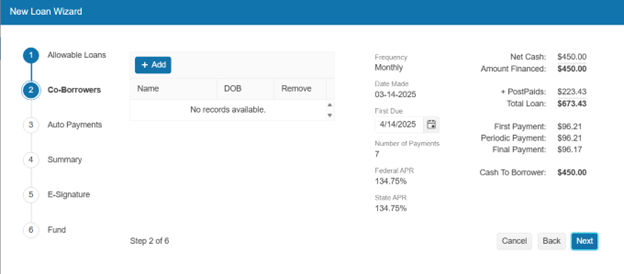
Click Next
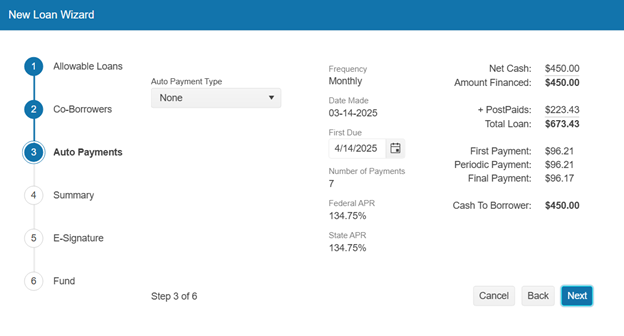
Click Next
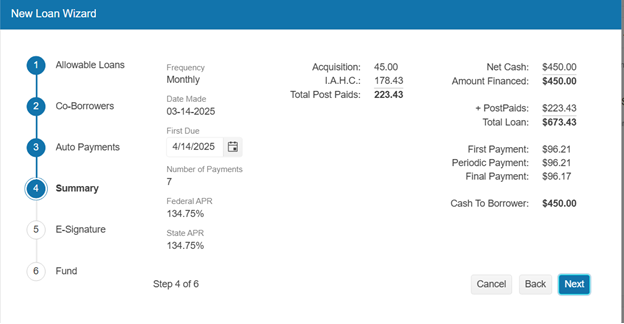
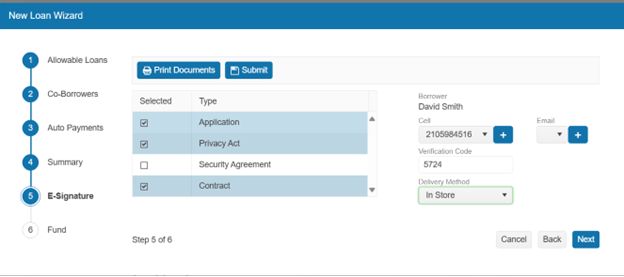
Choose In Store for Delivery Method and Click Submit
You will have to sign the documents in a new window. After they are signed you can click Next
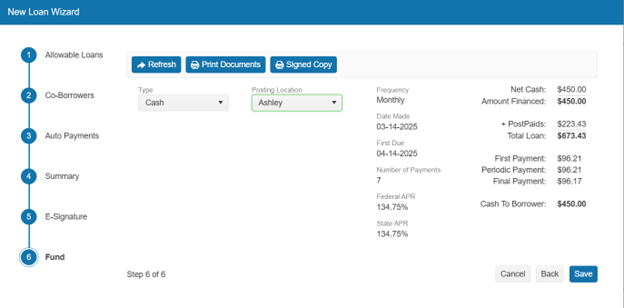
Choose Cash and any drawer and click Save