
Applying for a loan with Sun Loan is quick, and you can do it entirely online. This article walks you through each part of the application, from start to finish.
Good to know: filling out your application will not affect your credit score. If you'd like more detail on this, see Will applying for a loan impact my credit?
Step 1: Start your application
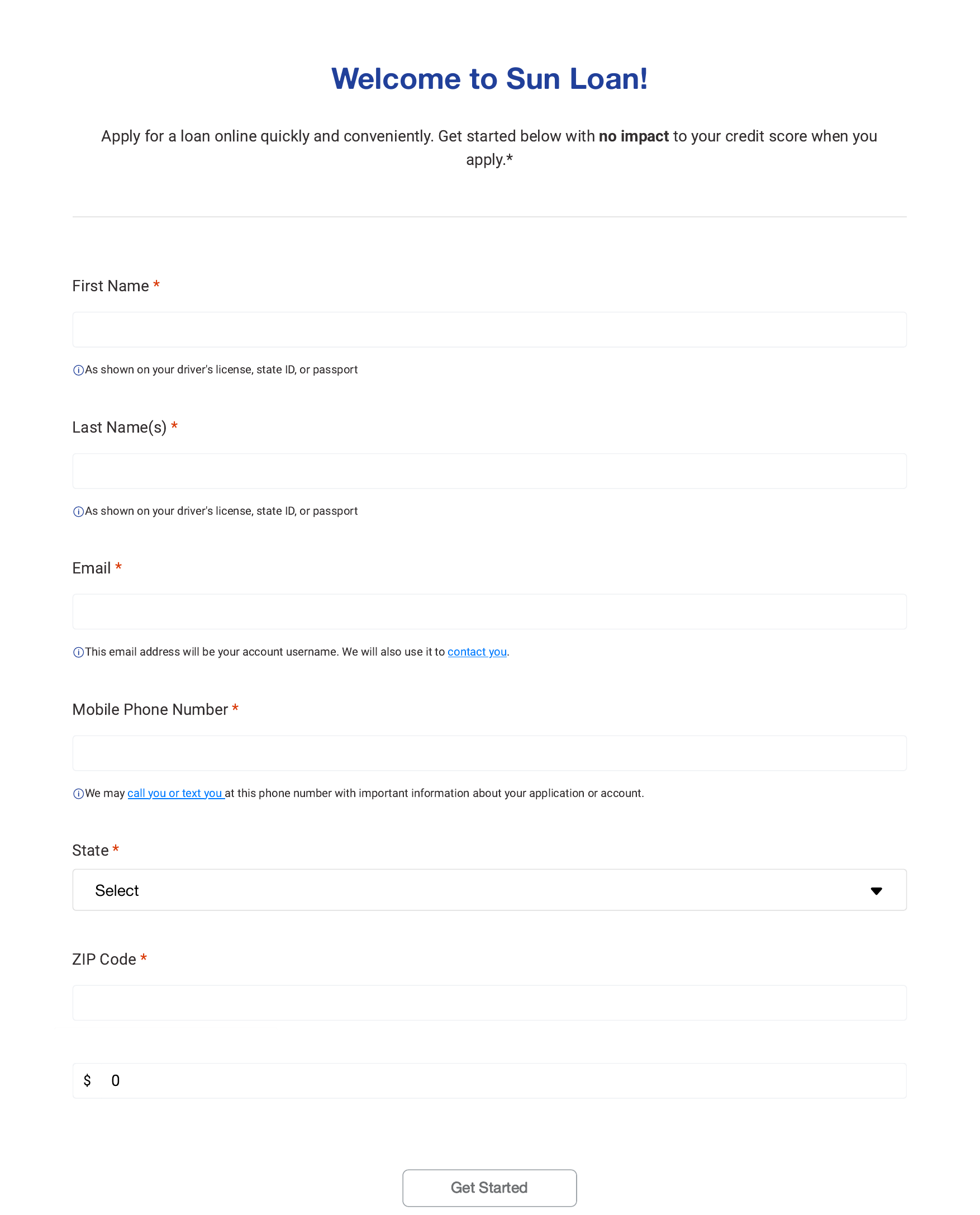
Go to my.sunloan.com/GetStarted. You can also go to my.sunloan.com and select Sign up today.
Fill in your first name and last name exactly as they appear on your driver's license, state ID, or passport. Add your email address, mobile phone number, state, ZIP code, and the amount you'd like to borrow. Then select Get Started.
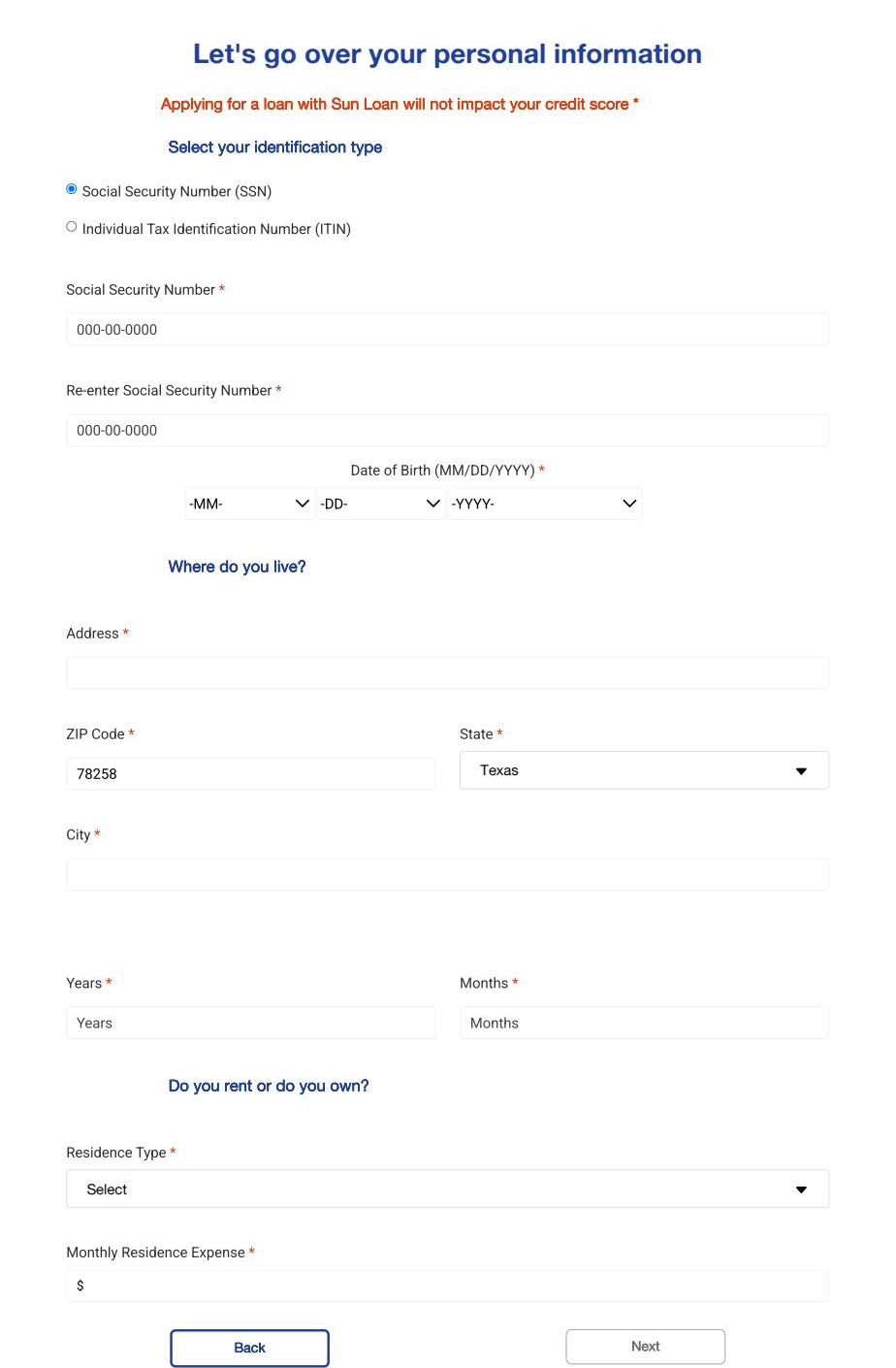
Step 2: Tell us about yourself
Next, you'll enter some personal information, including your Social Security Number (or ITIN), date of birth, home address, and how long you've lived there. You'll also let us know if you rent or own your home, and what you pay each month.
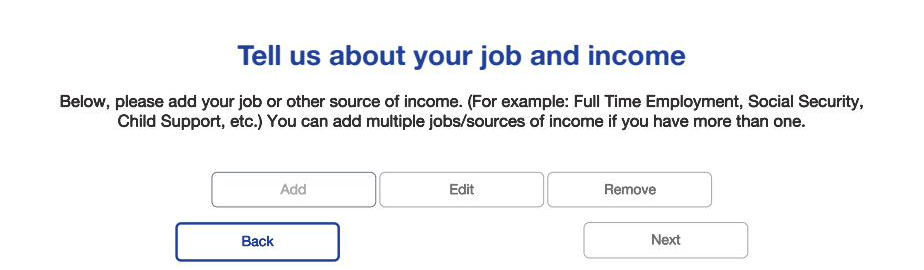
Step 3: Tell us about your job and income
Add your job or another source of income, such as Social Security or child support. You can add more than one if you have more than one source of income.
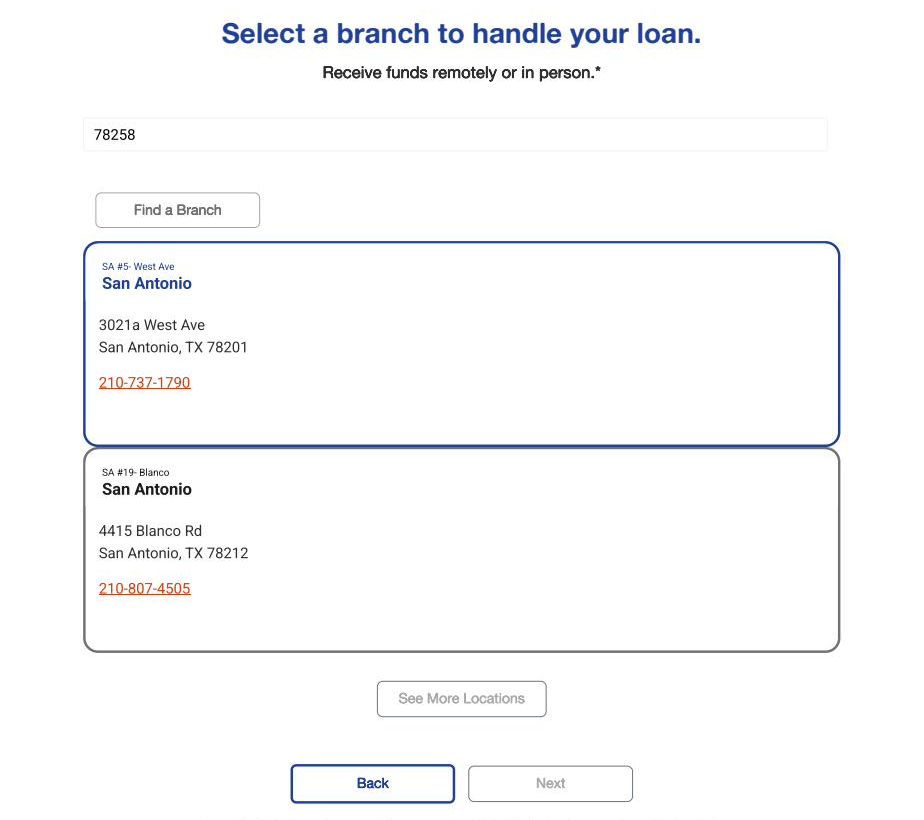
Step 4: Choose how you'd like to get your money
Select a branch to handle your loan. You can receive your funds in person or, if you live in the same state as the branch, remotely.
Step 5: Review and submit your application
Review your information to make sure everything is correct. When you're ready, agree to the terms and select Submit my application.
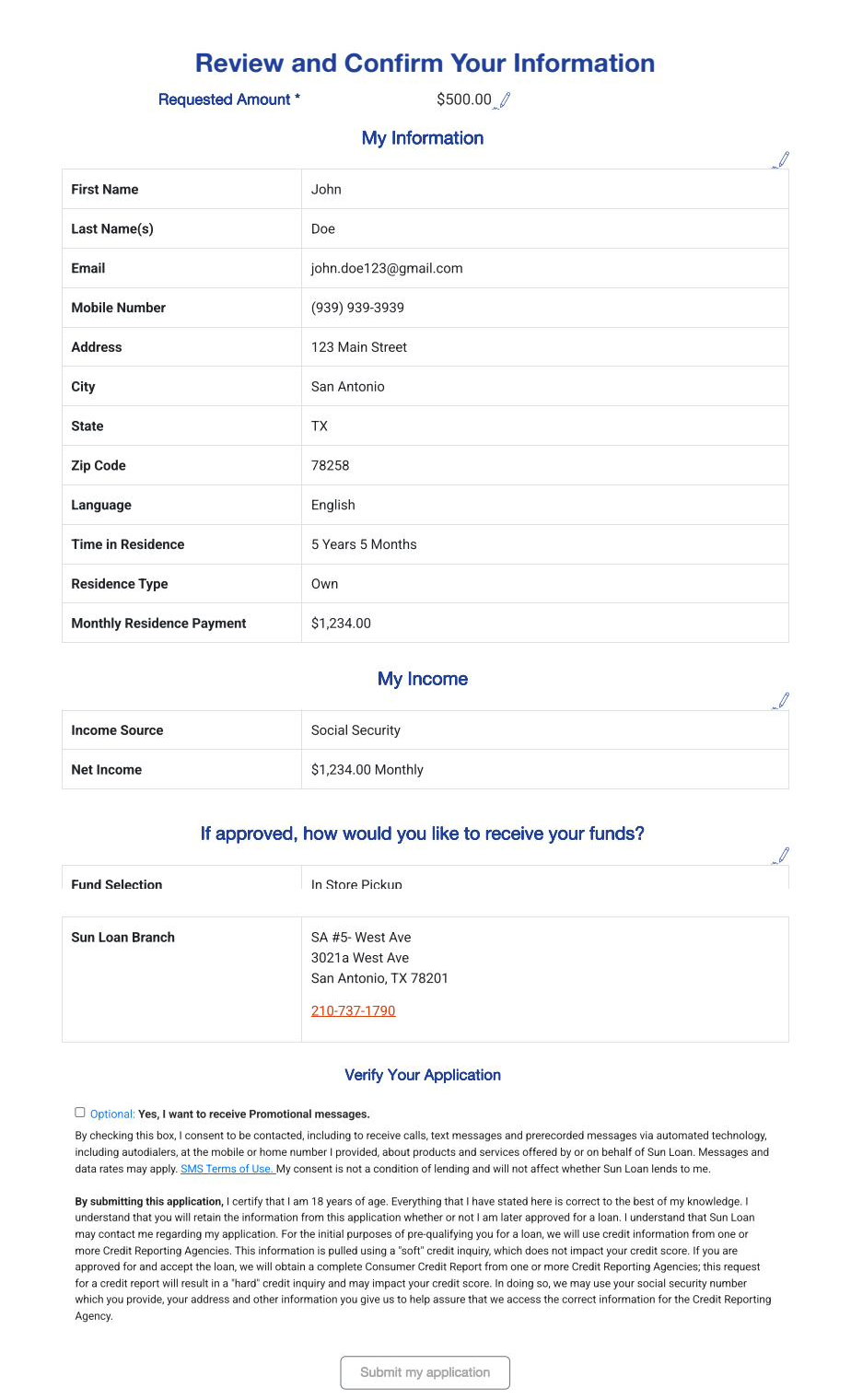
Step 6: Wait a moment while we review your application
This only takes a moment. Please don't close your browser while we review your application.

Step 7: Create a password for your account
If you're pre-qualified, you'll be asked to create a password so you can set up your online account. You'll need this account to upload documents and check your application later.
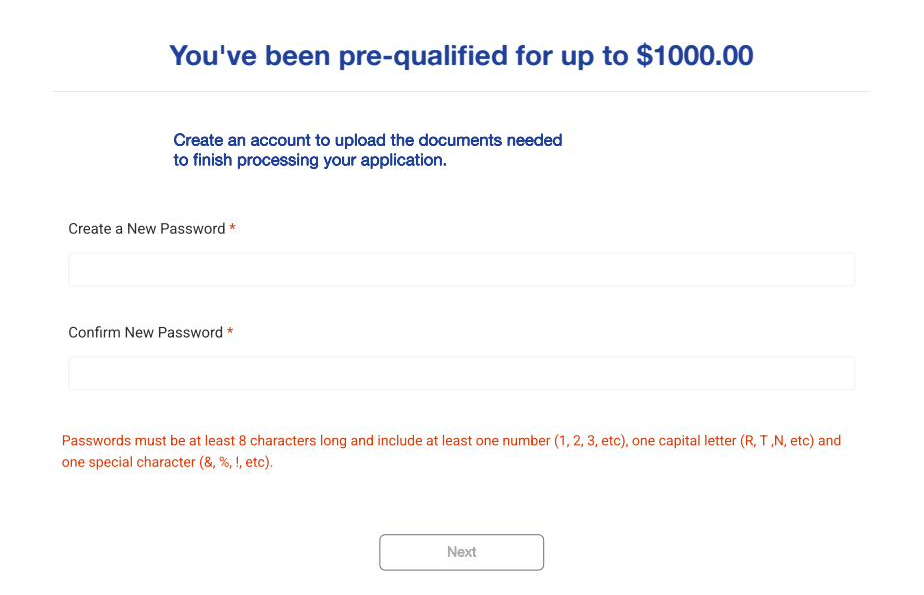
Step 8: Confirm your identity
We'll send a confirmation code to the email address we have on file for you. Enter that code to verify your identity and finish setting up your account.
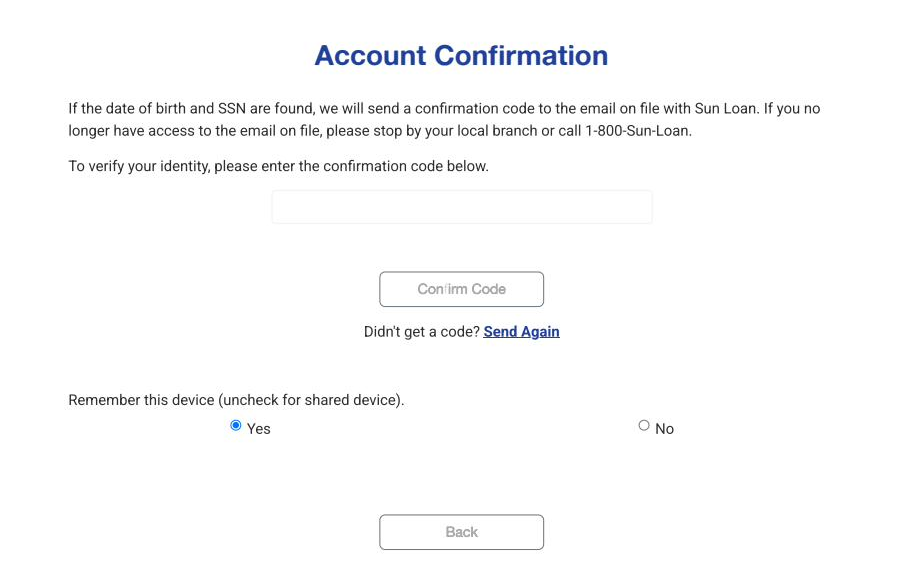
Step 9: Upload your documents
Once you're signed in, you'll land on your My Account page. Here, you'll be asked to upload a few documents so we can continue processing your application.
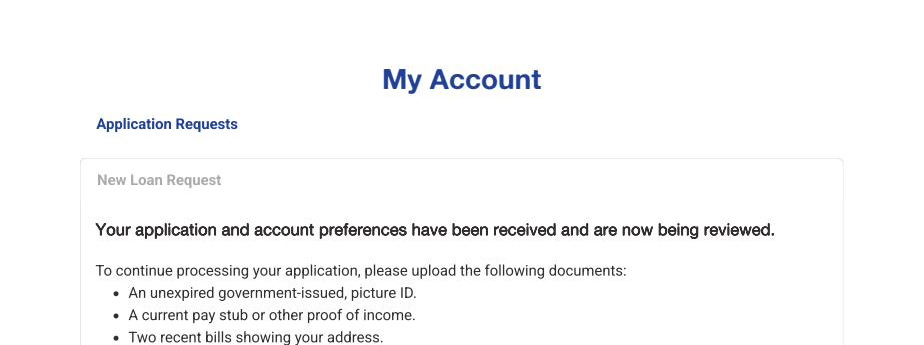
For step-by-step help with this part, see How do I upload my documents?
Still have questions about applying for a loan? Call us at 1-800-SUN-LOAN. We're happy to help.