
After you apply for a loan, we'll need you to send us a few documents before we can finish reviewing your application. This article shows you how to upload them from your online account.
Step 1: Go to Your Account Portal
Open your web browser (like Chrome, Safari, or Edge) and go to:
Tip: You can bookmark this page so it's easy to find next time.
Step 2: Register or Sign In
If you already have an account, enter the email address and password you used when you set it up, then click Sign In.
If you haven't created an account yet, see How do I create a portal account? for step-by-step instructions. Once your account is set up, come back here to sign in.
Once you're signed in, you'll land on your My Account page.
Step 3: Upload Your Documents
We need three documents from every customer:
- An unexpired government-issued picture ID.
- A current pay stub or other proof of income.
- Two recent bills showing your address.
For more detail on what counts as an acceptable document, see Which documents are needed to apply for a loan?
Proof of Identity
Upload a photo of the front of your state or government-issued picture ID. Make sure the ID has not expired.
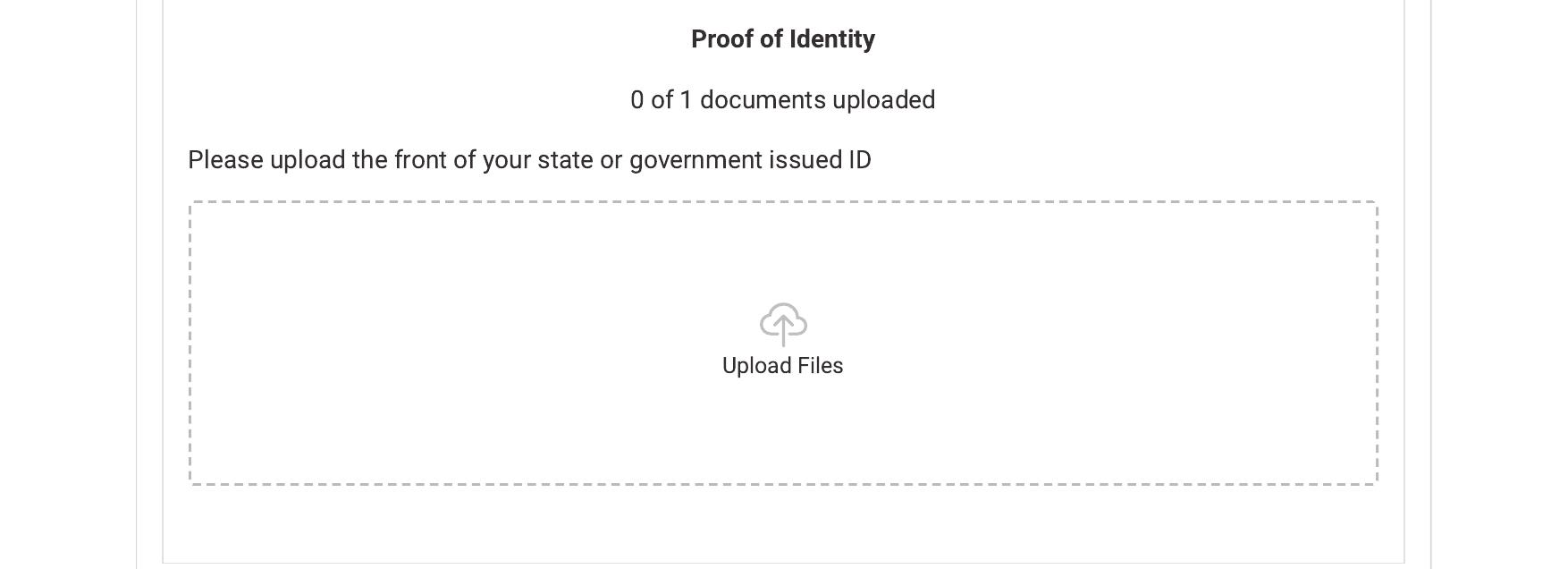
The Proof of Identity upload box.
Proof of Income
Upload your current pay stub or another document that shows your income.
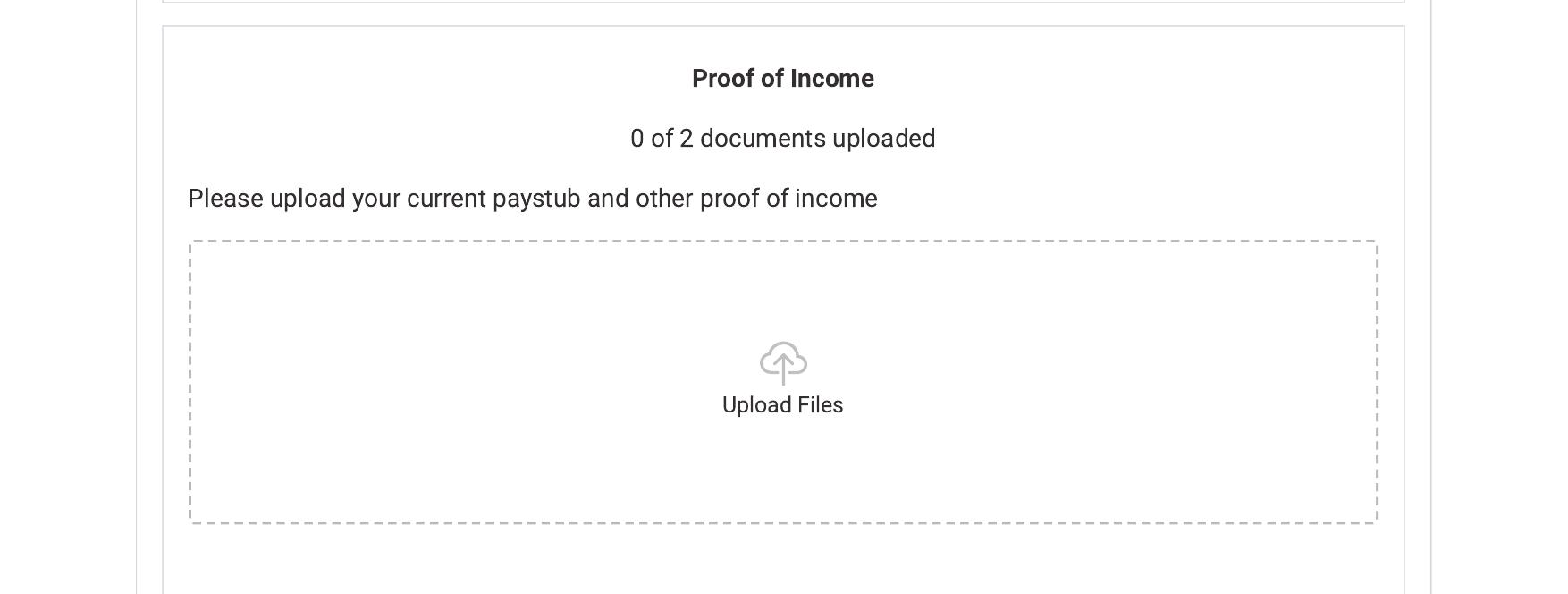
The Proof of Income upload box.
Proof of Residence
Upload two different bills, or other items, that show your current address.
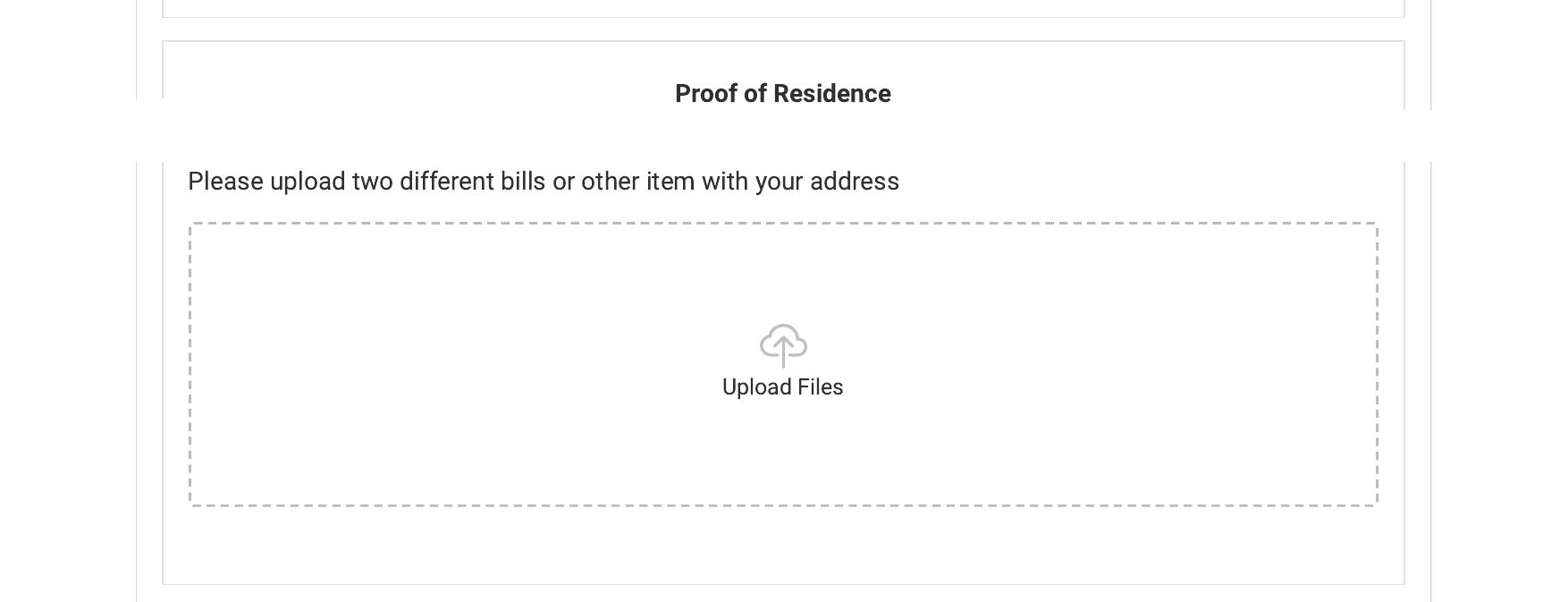
The Proof of Residence upload box.
What Happens Next
Once your documents are uploaded, our team will continue reviewing your application. You can check on your progress anytime — see How do I check the status of my application? for instructions.
Still Need Help?
Still have questions about your status? Call us at 1-800-SUN-LOAN. We're happy to help.