
Want to know where things stand with your application? You can check your status anytime, right from your online account. Here's how.
Step 1: Sign In to Your Account
Go to my.sunloan.com and sign in with the email address and password you used to create your account.
Don't have an account yet? See How do I create a portal account? to get started.
Step 2: Go to Your My Account Page
Once you sign in, you'll land on your My Account page. This page shows your loan request.
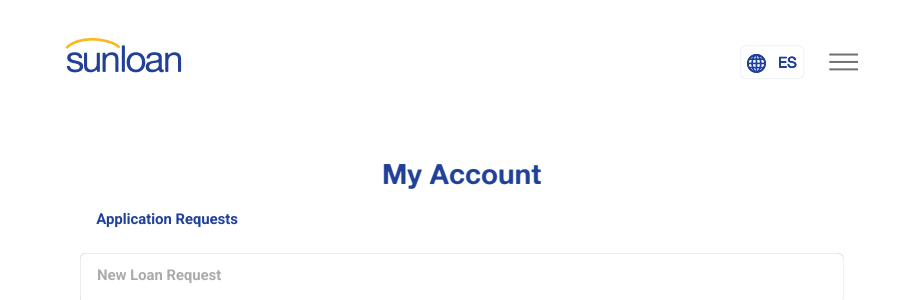
Step 3: Scroll Down to See Your Status
Scroll to the bottom of the page. You'll see a box with your Request Date and your Status.

Still have questions about your status? Call us at 1-800-SUN-LOAN. We're happy to help.